
Download .ex5
Get WiseTrust Trading Manager for MT5
Quickly set up your MT5 workspace in 4 simple steps—from license activation to chart deployment.
How to Get Started & Install WiseTrust Trading Manager

Purchase & Register
Contact our support team on Telegram to choose your pass, pay via KHQR or USDT, and register your MT5 Account ID for instant server activation.
Download & Place File
Download the WiseTrustTM.ex5 utility file. In MT5, go to File > Open Data Folder > MQL5 > Experts and drop the file inside.
Configure Server Connection
In MT5, open Tools > Options > Experts tab. Check “Allow WebRequest for listed URL” and add https://wisetrust.pro to authorize real-time license verification with our server.
Attach & Activate
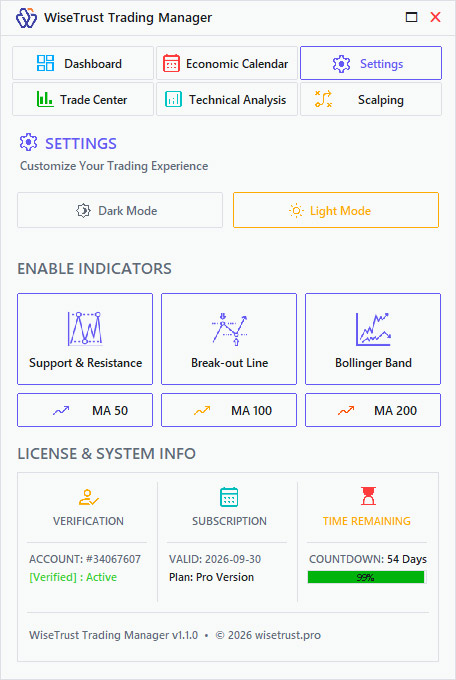
Drag the WiseTrust Trading Manager onto any chart, ensure “Allow Algorithmic Trading” is enabled, and start trading immediately!
Note: The downloaded ZIP file includes both the WiseTrustTM.ex5 utility and a text-based Installation Guide with full setup steps, server configurations, and official support links.
Ready to Activate Your License?
Download WiseTrustTM.Zip and contact our team on Telegram for instant MT5 server activation.